Introduction to Ultimate Member
For small business owners utilizing WordPress, managing user interactions and building a community can be challenging without the right tools. Ultimate Member is a comprehensive WordPress plugin designed to simplify user and member management on your website.
Ultimate Member stands out by providing a suite of tools that are both powerful and user-friendly, allowing even those with minimal technical skills to implement and manage membership features. Whether you’re running a membership site, an online store, or a learning platform, Ultimate Member provides the functionality to enhance user engagement and administration.
The plugin allows you to create custom user roles, tailor registration and login pages, and control content access based on user status, which is critical for businesses looking to offer premium content or services. With Ultimate Member, your WordPress site can support a thriving community, improve user interaction, and increase overall site engagement.
Ultimate Member is equipped with features that cater to a broad range of needs, from basic community sites to complex membership platforms. Here are the key benefits and features that make Ultimate Member indispensable:
Customizable User Profiles
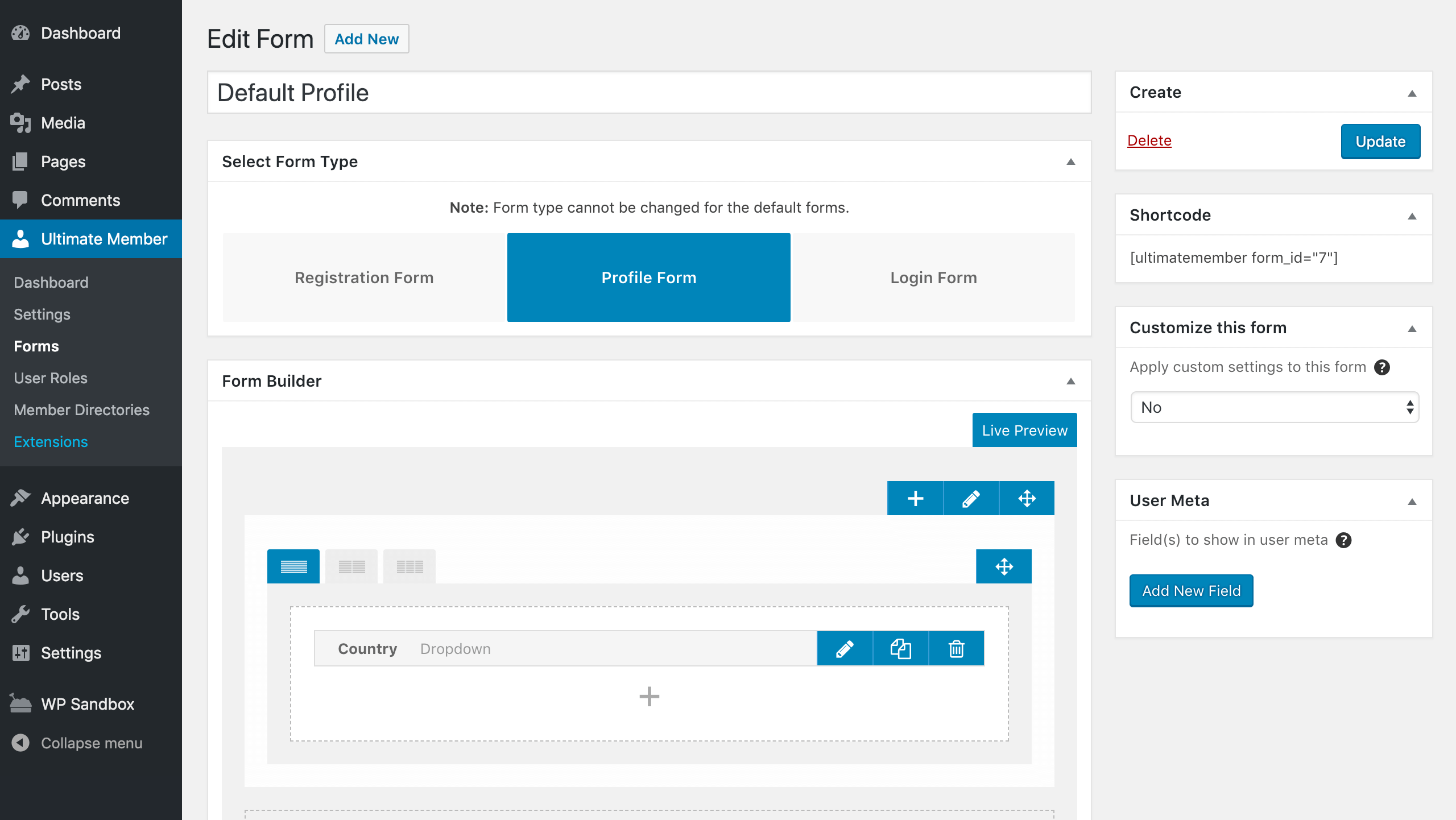
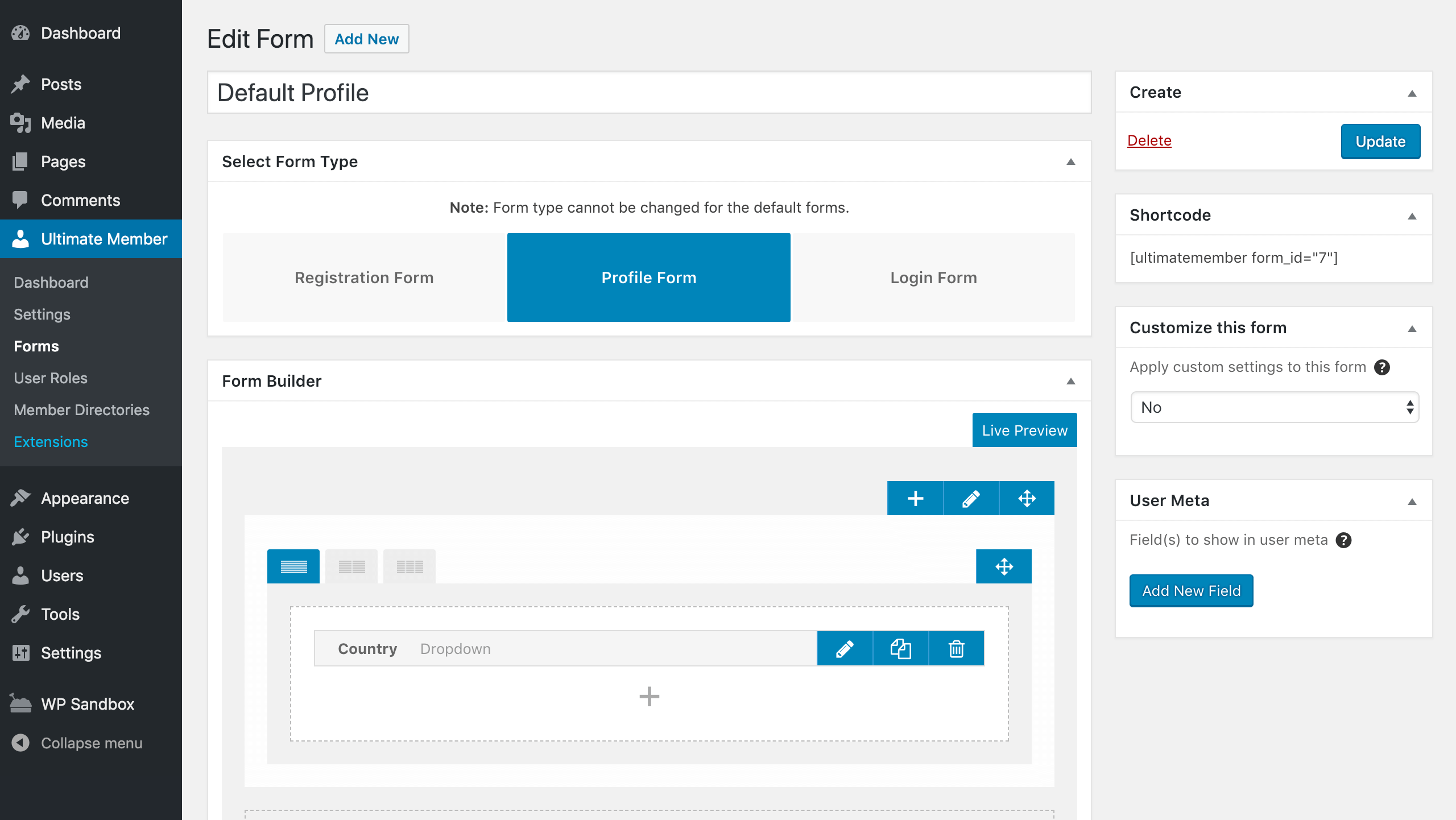
Ultimate Member allows the creation of highly customizable user profiles. With its drag-and-drop form builder, you can design and modify user fields to match the specific needs of your site.
Flexible Access Controls
Control who sees what on your site with Ultimate Member’s access controls. You can restrict content based on user roles or membership levels, enabling you to manage private or premium content effectively.
Seamless User Registration and Login
The plugin streamlines the registration process with customizable sign-up forms and manages user logins with ease. Features such as social media login support enhance the user experience, reducing barriers to entry.
Advanced Member Directories
Create detailed member directories that can be searched and filtered based on custom criteria. This feature is ideal for businesses and organizations that want to showcase their members or allow users to find each other based on specific attributes.
User Role Management
Define and manage user roles with specific permissions, customizing what users can see and do on your site. Whether for a moderator, paid member, or standard user, Ultimate Member provides comprehensive role management.
Integration Capabilities
Ultimate Member integrates smoothly with other popular WordPress plugins, enhancing its functionality. Whether you need to connect to WooCommerce for a shop, LearnDash for courses, or bbPress for forums, Ultimate Member supports these integrations.
These features make Ultimate Member a powerful tool for any WordPress site owner looking to enhance user interaction and manage a community effectively. By leveraging these functionalities, you can build a more engaging and controlled environment for your users.
Use Cases and Applications of Ultimate Member
Ultimate Member is incredibly versatile, suitable for a variety of websites ranging from small businesses to large community-driven sites. Here are some practical applications demonstrating how Ultimate Member can be effectively utilized across different scenarios:
Membership Sites
- Scenario: A business wants to create a membership site where content is accessible only to subscribed members.
- Application: Ultimate Member facilitates the creation of multiple membership levels with distinct access rights. It manages member subscriptions and content restrictions, ensuring that premium content is accessible only to those who have subscribed.
Educational Platforms
- Scenario: An educational institution needs a platform where students can register, enroll in courses, and access learning materials.
- Application: With Ultimate Member, the institution can create custom user roles for students and educators, manage registrations, and restrict course materials to enrolled students, enhancing the educational experience.
Online Communities
- Scenario: A niche hobby site wishes to foster a community where users can interact, share, and participate in forums.
- Application: Ultimate Member enables the site to create detailed user profiles and directories, integrate with forum plugins like bbPress, and manage user interactions, promoting a vibrant community environment.
Professional Networks
- Scenario: A professional association wants to build a network where members can find each other, connect, and collaborate.
- Application: Using Ultimate Member, the association sets up a member directory with advanced search and filtering capabilities, allowing members to connect based on interests, skills, or location.
Event Management
- Scenario: An event organizer needs a system to manage event registrations, attendee information, and communication.
- Application: Ultimate Member provides tools for managing user registrations, creating attendee profiles, and communicating event details directly through the user dashboard.
These use cases illustrate the broad applicability of Ultimate Member in creating and managing dynamic, user-centric WordPress sites. Whether for education, business, or community building, Ultimate Member delivers the features necessary to create structured and engaging online environments.
Why Choose Alkali for Ultimate Member Integration?
Choosing Alkali for integrating Ultimate Member into your WordPress site can significantly amplify the effectiveness of your user management and community engagement strategies. Here’s why Alkali stands out as the ideal choice for this crucial task:
Tailored Integration Approach
Alkali Designs recognizes that each business has unique requirements. We don’t just install Ultimate Member; we tailor its integration to meet your specific needs. Whether you’re building a membership site, a professional network, or a community hub, we configure Ultimate Member to optimize your site’s functionality and user experience.
Expert Configuration and Customization
Our team of WordPress experts ensures that Ultimate Member is perfectly configured to harness its full potential. From setting up complex user roles and permissions to customizing user profiles and directories, Alkali handles all aspects of the plugin to meet your business objectives.
Seamless Site Integration
Integrating Ultimate Member with your existing WordPress site involves careful consideration of theme compatibility and interaction with other plugins. Alkali Designs ensures that Ultimate Member not only integrates seamlessly but also enhances your site’s overall performance and user experience.
Ongoing Support and Maintenance
The digital landscape is constantly evolving, and so are your community’s needs. Alkali Designs provides ongoing support and maintenance for Ultimate Member, ensuring that your site continues to run smoothly and stays updated with the latest features and security updates.
Training and Empowerment
We believe in empowering our clients. Alkali provides comprehensive training sessions on managing Ultimate Member, enabling you to effectively administer your site’s user and community features long after the initial setup is complete.
Advanced Feature Implementation
Ultimate Member offers an extensive range of features, and leveraging them requires deep expertise. Alkali helps you implement advanced features such as conditional logic for forms, content restriction based on user roles, and integration with other tools like WooCommerce or LearnDash, enhancing the functionality of your site.
Choosing Alkali for your Ultimate Member integration means partnering with a team that not only understands the technical aspects of WordPress but also appreciates the importance of building a vibrant online community. Our goal is to help you maximize the benefits of Ultimate Member, ensuring your website becomes a dynamic and engaging platform for your users.