
Introduction to Wordfence
For small business owners with WordPress sites, security is a top priority. Wordfence is a leading security plugin that stands out for keeping WordPress websites safe from various online threats. It’s a comprehensive solution that helps you guard against hackers, malware, and other security issues that could harm your website.
Wordfence offers a range of security features designed to protect your WordPress site. It includes a firewall to block attacks before they reach your website, a malware scanner to check your site for malicious content, and tools to help you recover from a hack if it happens. With Wordfence, you also get alerts about potential security issues, so you can take action quickly.
The plugin is built to make security accessible for everyone, not just experts. Whether you’re launching a new site or looking to improve the security of an existing one, Wordfence provides the tools you need to keep your site secure. This means you can focus more on running your business and less on worrying about website security.
Wordfence is a key player in ensuring that your website remains a safe place for your customers to visit. By protecting your site, you’re also protecting your business reputation and your customers’ trust, which are crucial for any online business.
Key Benefits and Features of Wordfence
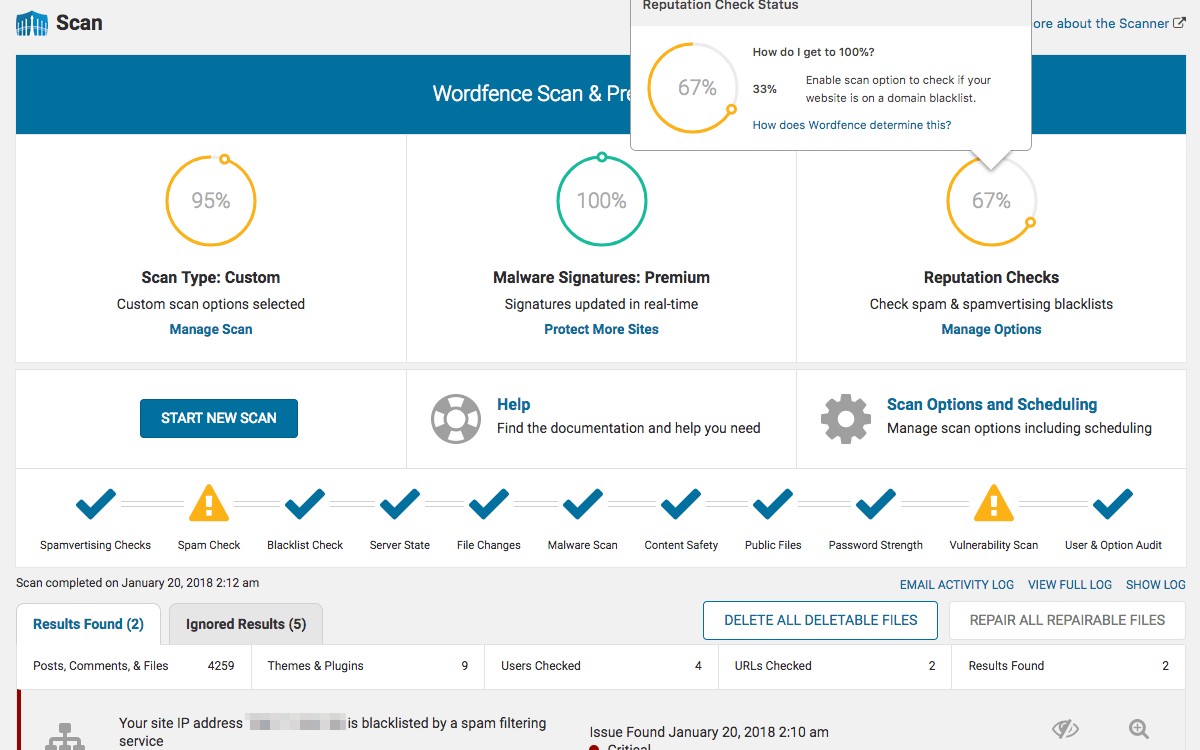
Wordfence is packed with features that make it a powerful ally for any WordPress site, especially for small businesses that need to ensure their online operations are secure. Here’s a breakdown of its key benefits and features:
- Comprehensive Firewall Protection: Wordfence offers a web application firewall (WAF) that filters out malicious traffic before it reaches your site. This firewall is regularly updated based on the latest threat intelligence, providing proactive defense against attacks.
- Malware Scanner: The plugin includes an advanced malware scanner that checks your site for harmful code, backdoors, and other security threats. It scans core files, themes, and plugins against WordPress.org repository versions to detect any changes, ensuring the integrity of your site.
- Real-time Threat Defense Feed: Wordfence’s Threat Defense Feed keeps the firewall and malware scanner updated with the newest firewall rules, malware signatures, and malicious IP addresses, so your site is always protected against the latest threats.
- Login Page Security: To prevent unauthorized access, Wordfence includes robust login page security features such as two-factor authentication (2FA), login attempt limits, and CAPTCHA to block automated attacks.
- Security Alerts and Monitoring: Stay informed with real-time alerts about security threats, updates, and recoveries. Wordfence’s monitoring tools also allow you to track visits and hacking attempts, providing valuable insights into your site’s security status.
- Performance Optimization: Despite its comprehensive security measures, Wordfence is designed to run efficiently without slowing down your website. It strikes a balance between security and performance, crucial for maintaining a fast and reliable online presence.
For small business owners, these features mean not just a secure website but also peace of mind. Knowing your WordPress site is shielded by Wordfence allows you to focus on growing your business, confident that your online assets are protected.
Use Cases and Applications of Wordfence
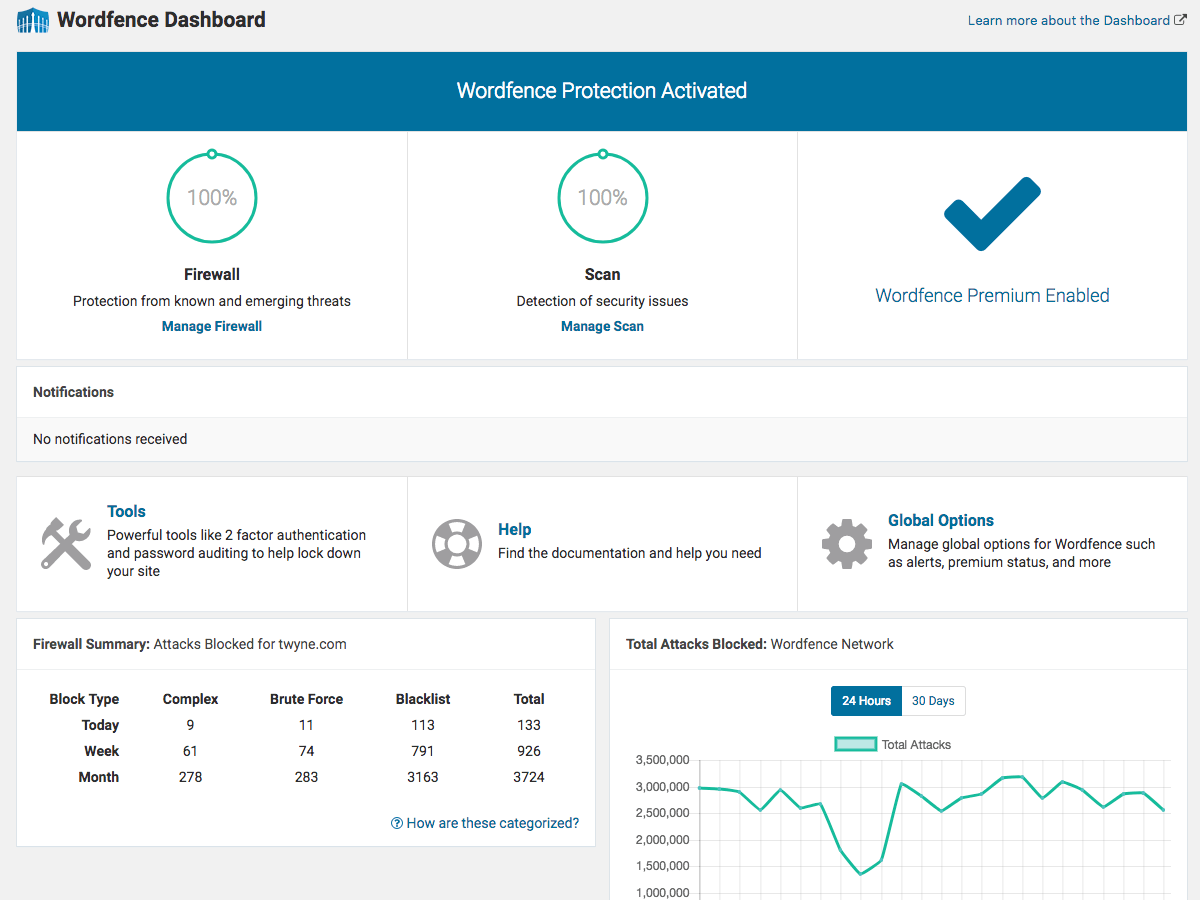
Wordfence’s versatility makes it a vital tool for a wide array of WordPress site scenarios, particularly for small business owners who manage their digital presence. Below are practical use cases and applications highlighting how Wordfence effectively boosts website security:
Protecting E-commerce Sites
For small businesses running e-commerce platforms on WordPress, security isn’t just about protecting data; it’s about safeguarding customer trust and financial transactions. Wordfence secures online stores from vulnerabilities that could lead to data breaches or financial loss, ensuring a safe shopping environment for customers.
Securing Personal and Professional Blogs
Bloggers, especially those discussing sensitive topics or storing personal information, face risks from content theft to malware injection. Wordfence helps in maintaining the integrity of blog content and protecting readers’ data, keeping the blog’s reputation intact.
Defending Service-Based Business Websites
Service providers, from legal advisors to home repair services, often collect sensitive client information through their websites. Wordfence ensures that forms, client portals, and contact information are shielded from unauthorized access and spam attacks.
Safeguarding Portfolio and Project Sites
Artists, freelancers, and contractors showcasing their work online need protection against copyright infringement and hacking. Wordfence’s firewall and malware scanner keep portfolio pieces secure and prevent unauthorized changes to site content.
Enhancing Security for Educational and Nonprofit Sites
Educational institutions and nonprofits, which often operate with limited IT resources, benefit from Wordfence’s straightforward security solutions. It guards against data theft and site defacement, allowing these organizations to focus on their mission without compromising security.
Each of these use cases underscores the importance of robust website security, regardless of the site’s specific purpose. Wordfence’s comprehensive security features provide a strong defense mechanism against the evolving landscape of cyber threats, making it an indispensable plugin for WordPress site owners focused on maintaining a secure and trustworthy online presence.
Why Choose Alkali for Wordfence Integration?
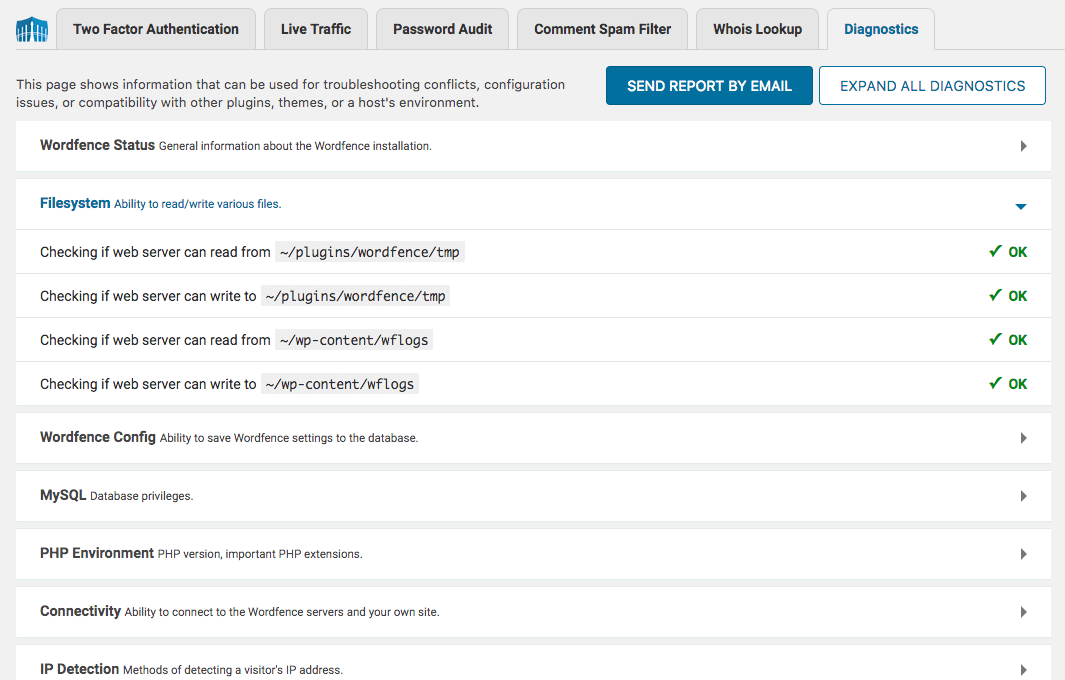
When it comes to integrating Wordfence with your WordPress site, the expertise and experience of a professional team can significantly enhance the plugin’s effectiveness. Here’s why Alkali Designs is the preferred choice for Wordfence integration and optimization:
Personalized Security Strategy
Alkali Designs understands that each WordPress site has unique security needs. We start with a thorough audit of your site to tailor a security strategy that leverages Wordfence’s features to the fullest, ensuring your site is protected against specific threats it faces.
Optimized Configuration for Maximum Protection
Setting up Wordfence for optimal performance can be complex. Our team is proficient in configuring Wordfence to balance website speed and security, ensuring your site remains fast and accessible while being thoroughly protected.
Continuous Security Monitoring and Updates
Cyber threats evolve rapidly, and so should your website’s defenses. Alkali Designs offers ongoing monitoring and regular updates to your Wordfence configuration, keeping your site safeguarded against the latest threats without you having to lift a finger.
Expert Troubleshooting and Support
Should a security issue arise, having expert support makes all the difference. Alkali Designs provides swift troubleshooting and support for any Wordfence-related concerns, minimizing potential impacts on your site’s operation and reputation.
Training and Empowerment
Beyond setup and monitoring, we believe in empowering our clients. Alkali Designs offers training on Wordfence’s features and best practices, enabling you and your team to understand and manage your site’s security with confidence.
Choosing Alkali for Wordfence integration means partnering with a team that goes beyond mere installation. We ensure that Wordfence works seamlessly with your site’s specific needs, providing peace of mind and allowing you to focus on growing your business, knowing your online presence is secure.