Introduction to Grammarly
For small business owners managing a WordPress site, producing high-quality content is essential for engaging your audience and maintaining a professional image. Grammarly is a powerful writing assistant that helps you improve your writing by offering real-time grammar and spell checking. Grammarly can enhance your writing by ensuring your content is clear, error-free, and professional.
Grammarly integrates seamlessly with various platforms, including web browsers, Microsoft Office, and Google Docs, making it a versatile tool for improving writing quality across different applications. Whether you’re writing blog posts, emails, or social media updates, Grammarly provides the tools you need to produce polished and effective content.
Key Benefits and Features of Grammarly
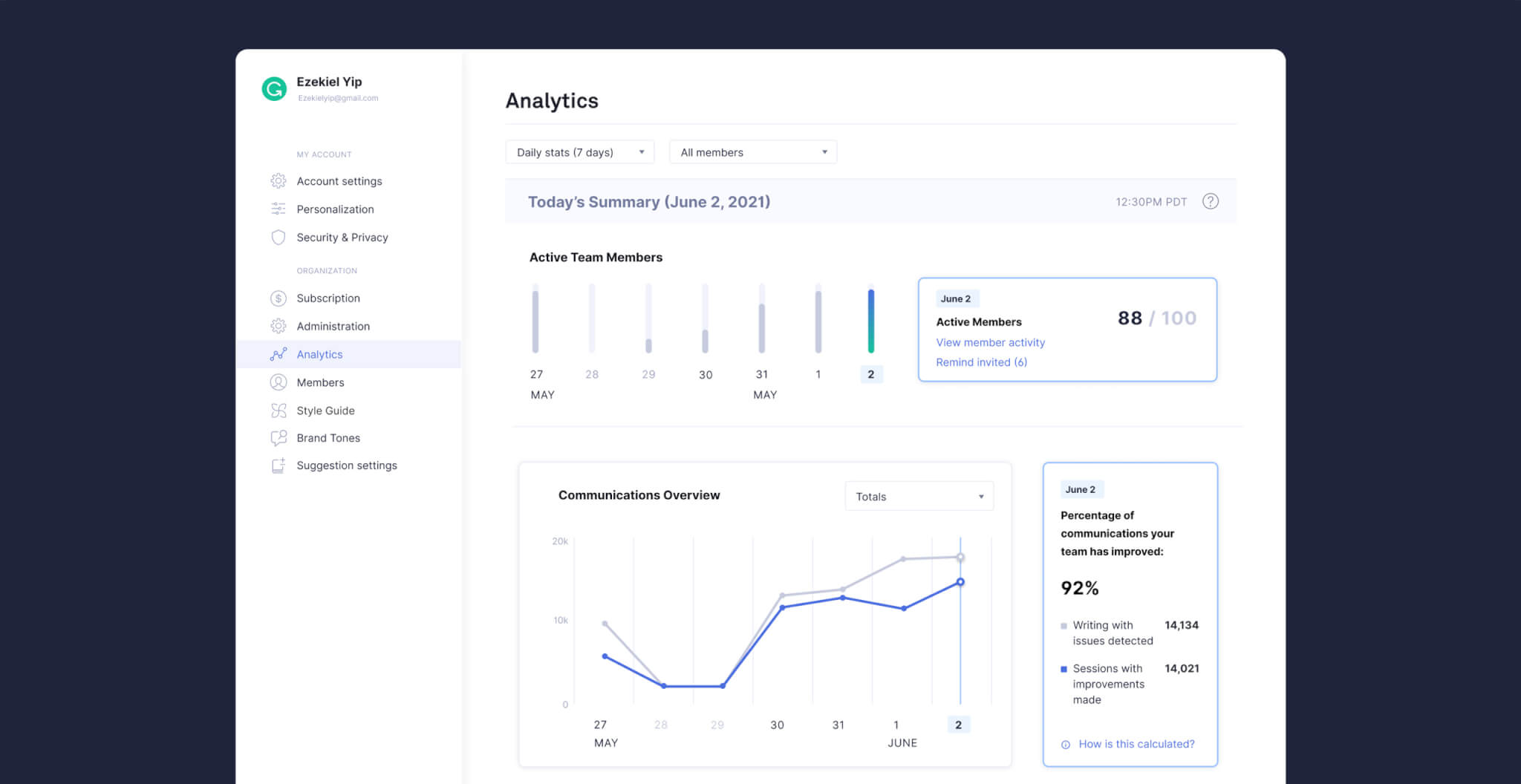
Grammarly offers a range of features designed to help you produce high-quality content. Here are the key benefits and functionalities that make Grammarly an essential tool:
Real-Time Grammar and Spell Checking
Grammarly checks your writing for grammatical errors, spelling mistakes, and punctuation issues in real-time. This ensures that your content is error-free and professionally written.
Advanced Writing Suggestions
Beyond basic corrections, Grammarly offers advanced suggestions for improving clarity, conciseness, and engagement. It helps you refine your writing style and make your content more impactful.
Plagiarism Detection
Grammarly includes a plagiarism checker that scans your content against billions of web pages to ensure originality. This feature is essential for maintaining the integrity of your writing.
Tone Detection
Grammarly analyzes the tone of your writing and provides feedback on how it may be perceived by readers. This helps you adjust your writing to suit your intended audience and purpose.
Vocabulary Enhancement
Grammarly suggests alternative words and phrases to enhance your vocabulary and improve the readability of your content. This feature helps you avoid repetitive language and create more dynamic writing.
Customizable Style Guide
Grammarly allows you to set up a personalized style guide with specific rules and preferences for your writing. This ensures consistency across all your content and aligns with your brand’s voice.
Browser Extension
Grammarly’s browser extension allows you to use its features across various online platforms, including email, social media, and content management systems. This ensures that your writing is polished no matter where you are working.
Integration with Popular Tools
Grammarly integrates with popular writing tools like Microsoft Office and Google Docs, making it easy to use in your existing workflows. This seamless integration helps you maintain high writing standards across different applications.
These features highlight why Grammarly is more than just a grammar checker; it’s a comprehensive writing assistant that enhances your content quality and effectiveness.
Use Cases and Applications of Grammarly

Grammarly’s versatility makes it an invaluable tool for various applications, helping small business owners improve their writing and communication. Here are several practical examples of how different businesses use Grammarly to enhance their content:
Blogging and Content Creation
- Scenario: A small business owner wants to produce high-quality blog posts to engage their audience.
- Application: The owner uses Grammarly to check for grammar and spelling errors, refine sentence structure, and improve overall readability. This ensures that the blog posts are polished and professional, enhancing the site’s credibility.
Email Communication
- Scenario: A consultancy firm needs to send professional and error-free emails to clients.
- Application: The firm uses Grammarly to proofread emails before sending them out. Grammarly’s tone detection feature helps ensure that the emails are appropriately formal and clear, improving client communication.
Social Media Management
- Scenario: A small business wants to create engaging and error-free social media posts.
- Application: The business uses Grammarly’s browser extension to check social media posts for errors and clarity. This helps maintain a professional and consistent brand voice across all social media platforms.
Report Writing
- Scenario: An educational platform needs to produce detailed and accurate reports for stakeholders.
- Application: The platform uses Grammarly to proofread and refine reports, ensuring they are free of errors and professionally written. This improves the quality of communication with stakeholders.
Website Content
- Scenario: A local business wants to ensure that the content on their website is clear and professional.
- Application: The business uses Grammarly to check website copy for grammatical errors and readability issues. This ensures that the website content is polished and engaging, enhancing the user experience.
Customer Support Communication
- Scenario: A non-profit organization wants to ensure that their responses to donor inquiries are professional and error-free.
- Application: The organization uses Grammarly to proofread and refine responses, ensuring clear and effective communication with donors.
These use cases demonstrate the flexibility and effectiveness of Grammarly in improving writing quality and communication across various sectors. By using Grammarly, small business owners can implement custom features and optimizations that meet their specific needs without relying on complex development processes.
Why Choose Alkali for Grammarly Integration?
Choosing Alkali for your Grammarly integration brings specialized expertise and a commitment to maximizing your writing quality and communication effectiveness. Here’s why Alkali is the ideal partner for leveraging Grammarly for your business:
Expert Setup and Configuration
Alkali ensures that Grammarly is seamlessly integrated into your existing workflows, tailored to your specific business needs. Our experts configure the tool to provide the most relevant features and settings, helping you improve your writing effectively.
Strategic Content Planning
We go beyond basic setup by helping you develop a comprehensive strategy for enhancing your content quality. Alkali assists in identifying key areas for improvement, optimizing writing processes, and creating a proactive plan that aligns with your business goals.
Comprehensive Training and Support
Alkali offers extensive training for your team to ensure you can fully utilize Grammarly’s features. From understanding advanced writing suggestions to setting up custom style guides, we provide the knowledge you need to handle your content creation independently and effectively.
Advanced Data Analysis
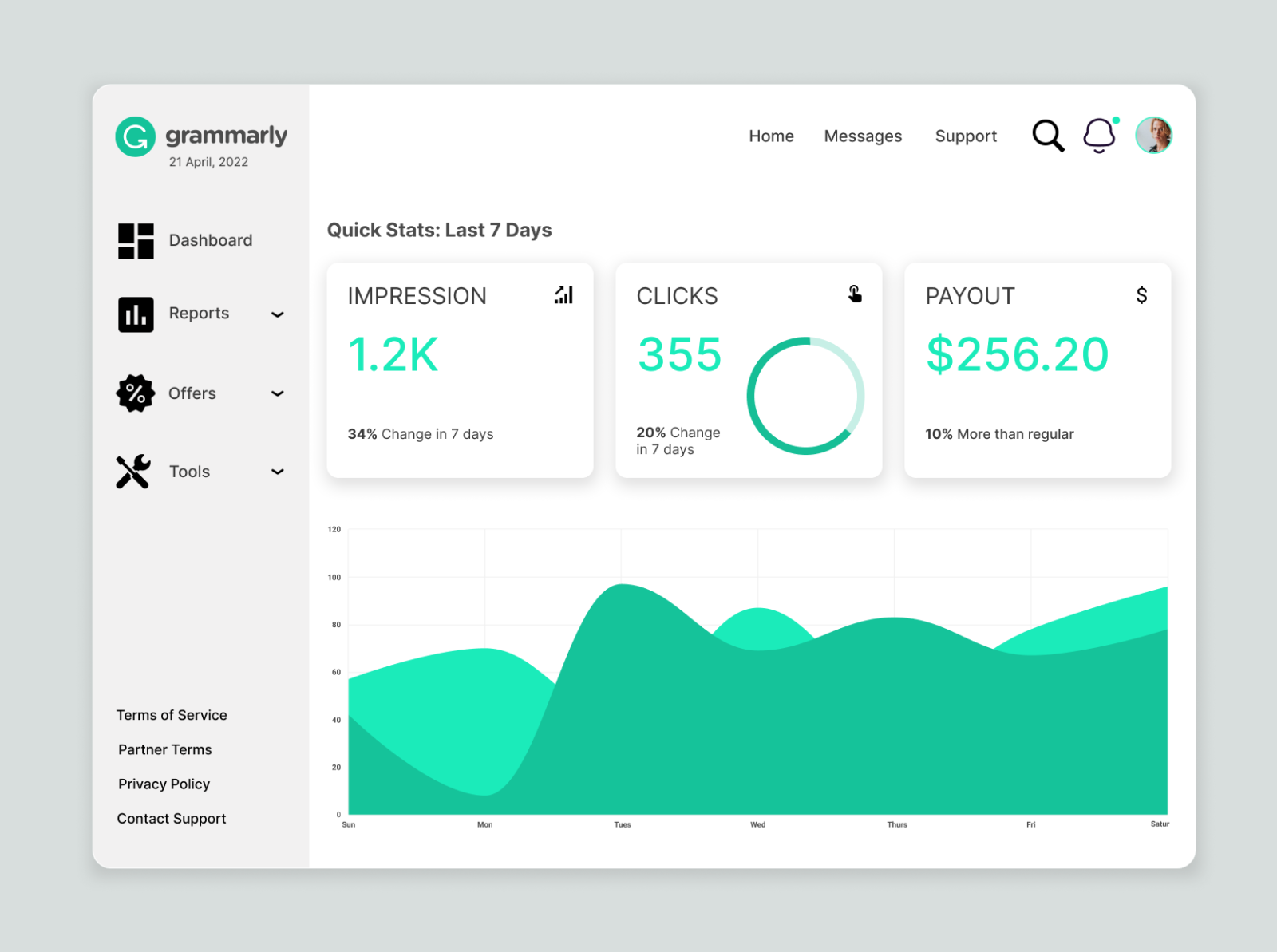
Our team helps you leverage Grammarly’s analytics to gain deeper insights into your writing performance. We assist in interpreting the data, identifying trends, and making data-driven decisions to enhance your content strategies continually.
Continuous Optimization and Updates
Content creation is an ongoing process, and Alkali provides continuous support and updates for your Grammarly integration. We ensure that your strategies remain effective as new features and best practices emerge.
Customized Reporting
We set up detailed, customized reports that track your writing performance metrics, providing clear insights into what’s working and what needs improvement. These reports help you stay informed about your content quality and make informed decisions.
By partnering with Alkali, you benefit from a tailored, strategic approach to writing improvement that leverages Grammarly’s powerful tools. Our goal is to help you achieve higher writing standards, improved communication, and enhanced content quality.